
NETWORK CONSTRUCTION DOCUMENTATION
Prove what’s in the ground.
Fieldsight turns every excavation, cable pull and installation into a GNSS-accurate, timestamped record — captured on site, verified in the field, and delivered as documentation network owners can trust.
TRUSTED BY CONTRACTORS AND NETWORK OWNERS ACROSS THE NORDICS





How it works
From the trench to the network record — one unbroken chain.
Every capture method feeds the same Survey App record. Cloud GIS checks it while the trench is still open, and the verified as-built moves on to the network owner — no re-typing, no separate photo folders, no lost context.
Measured on site
GND PRO and other supported field capture workflows — including compatible cable locators, Leica workflows and machine data where verified for the project.
Passes onPosition ± cm · depthRecorded as a real asset
Each point is saved as a typed asset — cable, joint, cabinet — with its RTK position, depth and photo, against the planned route.
Passes onAsset + position + depth + photoChecked while the trench is open
Progress and gaps show up in real time, so missing photos or depths are fixed before backfill — not after handover.
Passes onVerified as-built recordDelivered to the owner
The verified as-built moves into the network owner’s systems in the format they require — ready for acceptance.
Delivered toOwner NIS / GISCapture from
Deliver to
Device and integration support is confirmed per project and target system.
Built for the people who build, manage and accept the work.
Fieldsight supports the same construction record across the people working on site, managing the contract and receiving the finished network.

MAIN CONTRACTOR
Control subcontractor documentation, progress and handover.
- See project-wide progress in real time
- Verify invoices and documentation coverage
- Deliver cleaner records to the network owner
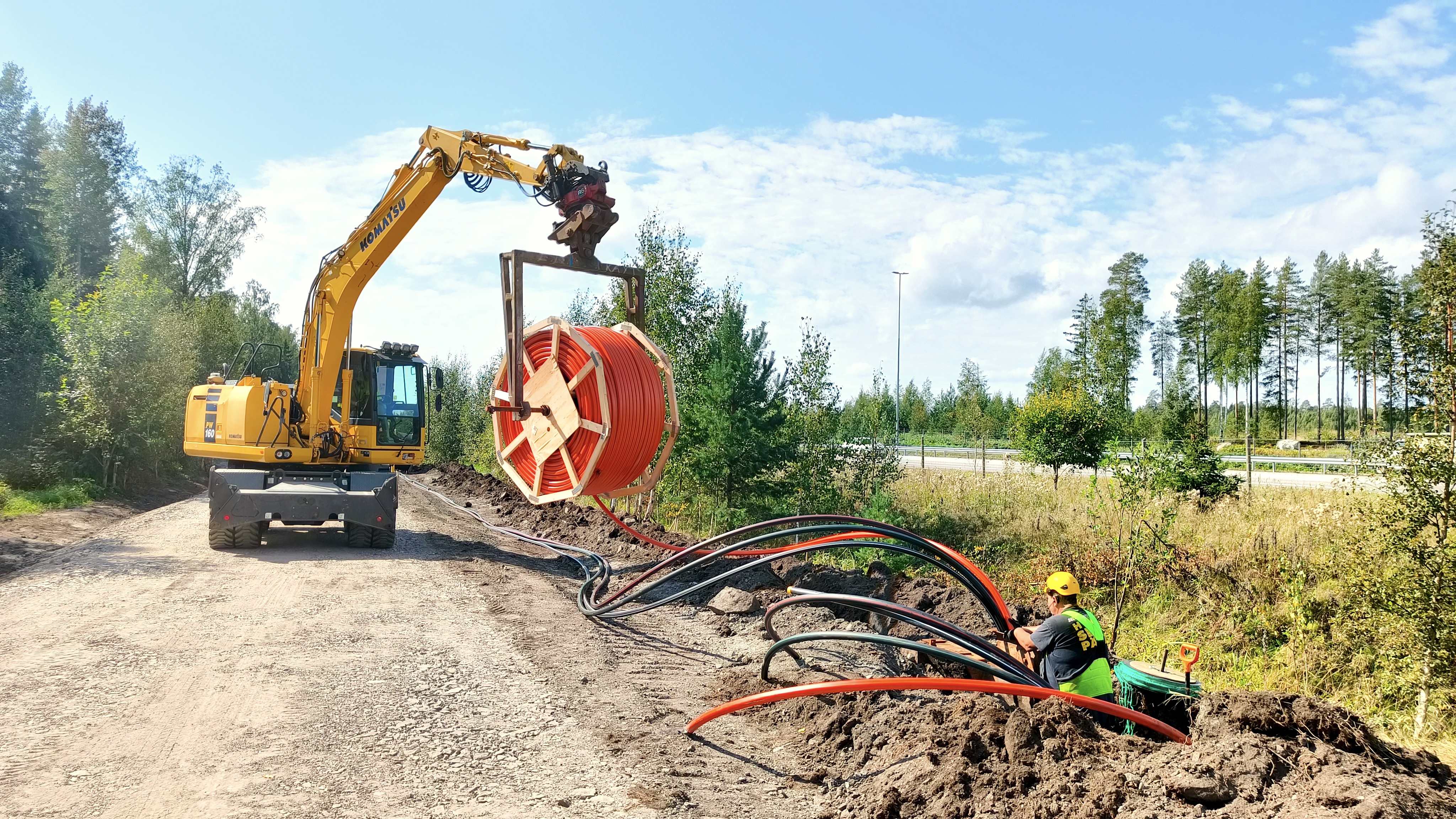
EARTHWORKS CONTRACTOR
Capture routes, depths and evidence while the trench is open.
- Document metres as the work happens
- Reduce paperwork and return visits
- Create evidence for billing and quality

NETWORK OWNER
Receive better as-built evidence with less uncertainty.
- Review a cleaner construction record
- Reduce owner-side QA follow-up effort
- Improve trust in installed network data
PROJECT STATUS
Know what’s missing before the trench is closed.
Project managers see construction progress, missing documentation and QA issues while work is still ongoing — not after handover.
Select an issue to see where it is on the route.
PHOTO EVIDENCE
Photos that belong to the right asset.
A phone’s GPS places a photo somewhere within several metres. Where a cabinet, a joint and a manhole sit a few metres apart, that is not enough to know which one the photo shows. Fieldsight ties every photo to the RTK-measured position of the asset itself — so the evidence stays with the object it documents.
Bound to the object, not the neighbourhood
Each photo is captured at the measured position of the asset, with centimetre-level accuracy — not at a phone location that may be several metres off.
One asset, one history
Installation, maintenance and repair photos accumulate under the same cabinet, joint or cable section — ready for handover with the as-built record.
Evidence that settles questions
When someone later asks what was installed and where, the answer is tied to the asset itself: position, depth and photo in one record.
Illustrative comparison, not to scale. Phone location accuracy varies by device and site conditions.
WHERE FIELDSIGHT IS USED
Solutions by network type
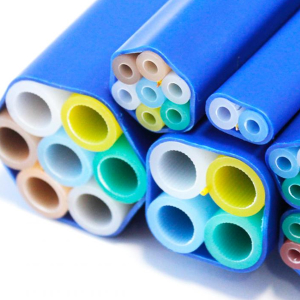
Fiber Networks
Document microduct and cable routes, joints and network structures as fiber goes into the ground, with depth and photo evidence captured on the spot.
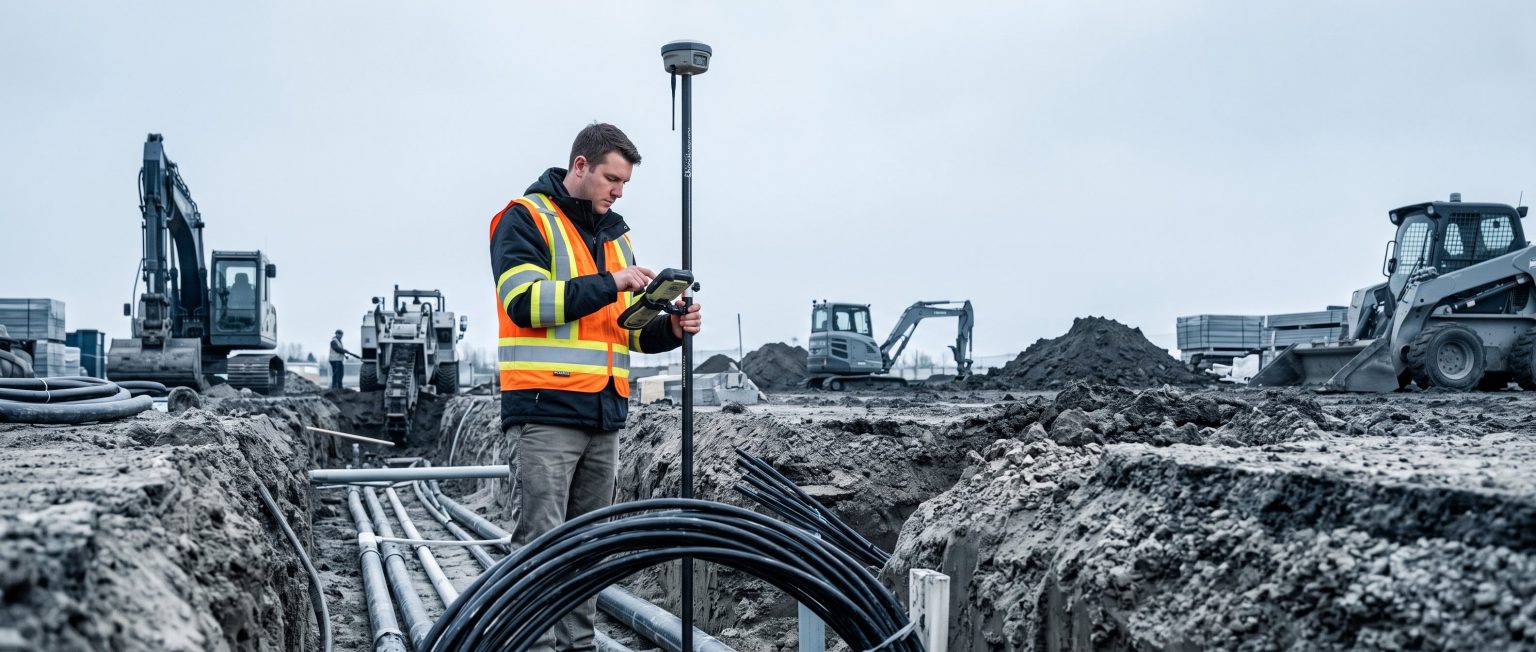
Power Grids
Capture LV and MV cable routes, joints, cabinets and other structures as the cable leaves the drum — whether it is ploughed in or laid in an open trench.
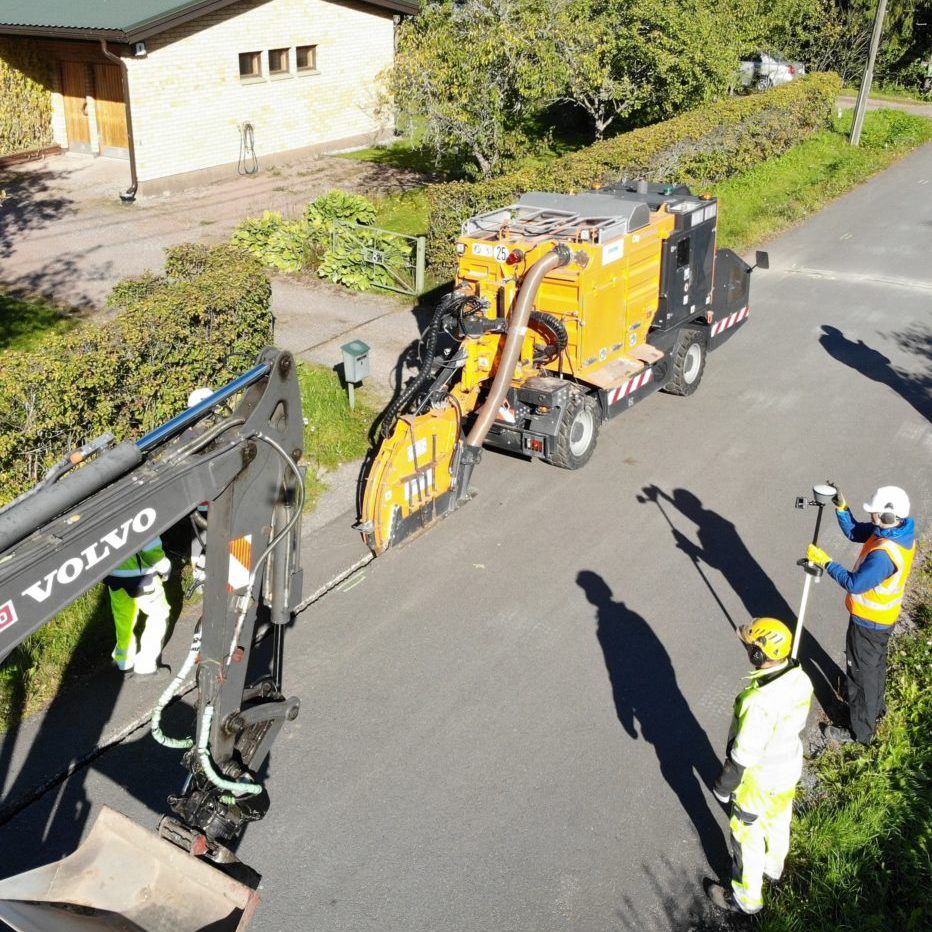
Underground & Civil
Record open trenches, installed utilities, asphalt and reinstatement areas before they are covered — one GIS-ready record per site.
FLEXIBLE CAPTURE
One platform. Multiple ways to capture.
Fieldsight isn’t locked to one measurement method. Whichever way a crew captures a point, it lands in the same survey record and the same Cloud GIS.
FIELDSIGHT GND PRO
Verified usage methods
GND PRO adapts to how a crew already works, from a traditional survey pole to a cable-locating pairing.
- Survey pole — traditional GPS-stick workflow for point-and-shoot survey.
- Handheld — hold GND PRO directly over the point being measured.
- Y-POD — mount on the Y-POD holder for stabilized, hands-free capture.
- Cable-locating workflow — pair with a compatible cable locator to log position and depth together.
SUPPORTED EXTERNAL DATA
Supported external sources
Fieldsight workflows can also bring in data captured outside GND PRO, where the source and format are supported.
- Third-party GNSS / survey data — supported receivers and survey equipment.
- Imported project / survey data — existing project files brought into the same record.
- Machine control / automation data — where the machine vendor supports it.
- Leica workflows — supported where the specific workflow has been verified.
- Radiodetection RD7xxx / RD8xxx depth data — supported where the specific locator model has been verified.
Support varies by device, firmware and region — not every model or workflow is plug-and-play. Ask your Fieldsight contact to confirm compatibility.
FIELDSIGHT SURVEY APP
Built around the way networks are actually constructed.
Fieldsight Survey App turns field documentation into a structured construction workflow — not a generic surveying task. Crews can see what was planned, capture what was actually installed and document the conditions around the work before the trench is closed.
Points, lines and areas
Map network assets in the form they are built: individual structures, continuous routes and measured areas.
Points · Routes · Areas
Photo evidence at the measurement point
Attach field photos directly to the measured location so the installation can be verified later without relying on separate photo folders or paper notes.
Location + measurement + photo
The route plan in the field
See the planned network route while documenting the work, helping crews capture the right assets and identify differences between design and construction.
Plan vs. built
Document the excavation conditions
Record trench and construction conditions together with the as-built data, creating a traceable record of the work conditions behind metre-based construction and excavation pricing.
Construction context captured on site
Three feature types, one record.
POINT FEATURES
- Joints
- Cabinets
- Poles
- Network structures
- Installation points
LINE FEATURES
- Microducts
- Low-voltage cables
- Medium-voltage cables
- Cable routes
AREA FEATURES
- Asphalt areas
- Reinstatement areas
- Construction areas
AI-ASSISTED PHOTO DOCUMENTATION
Photo evidence that can do more than prove the installation
Each field photo stays connected to its measurement and location. Fieldsight can use AI-assisted image analysis to recognise relevant objects and support more structured construction documentation.
HARDWARE
The GND family
Two receivers, the same positioning technology and the same Fieldsight workflow. Choose the housing that matches the site.
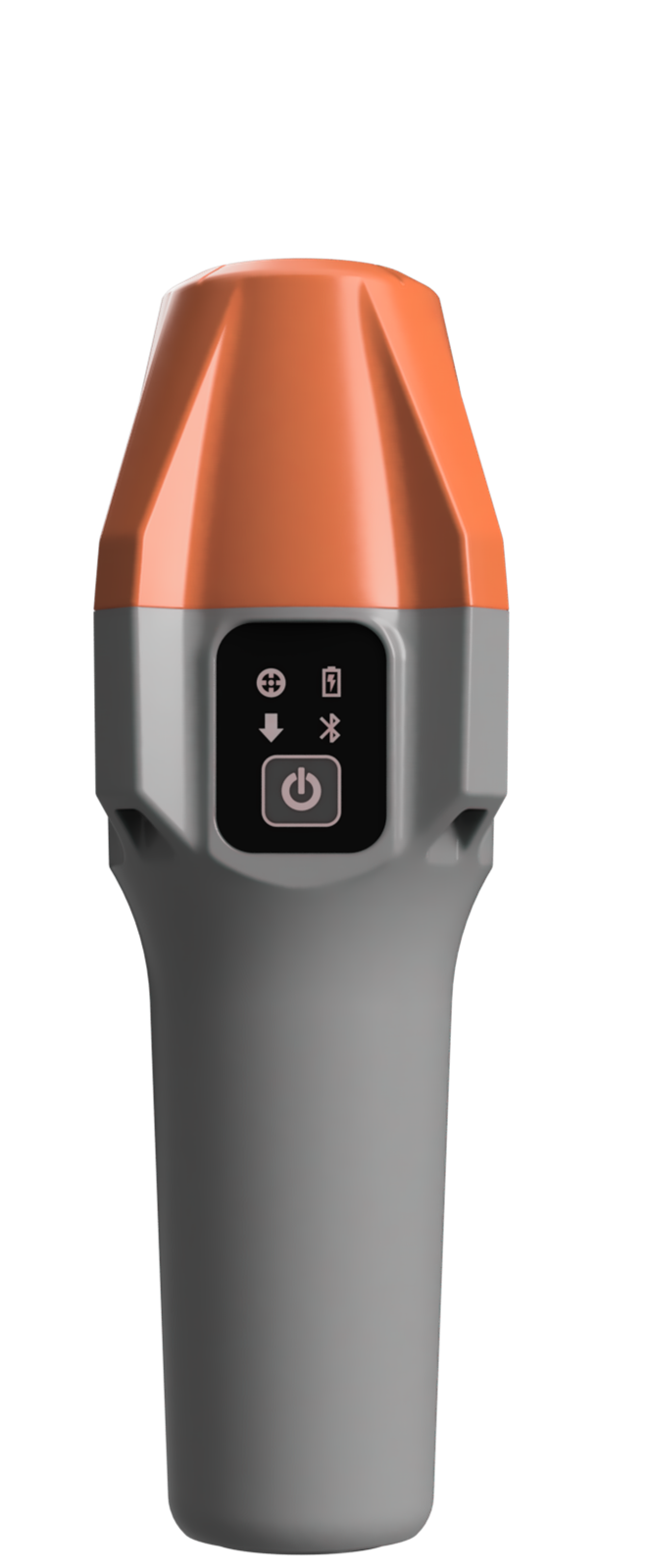
GND PRO
A GNSS receiver and field controller built for daily positioning on construction sites — pairs with the Fieldsight app for capture and verification in one step.
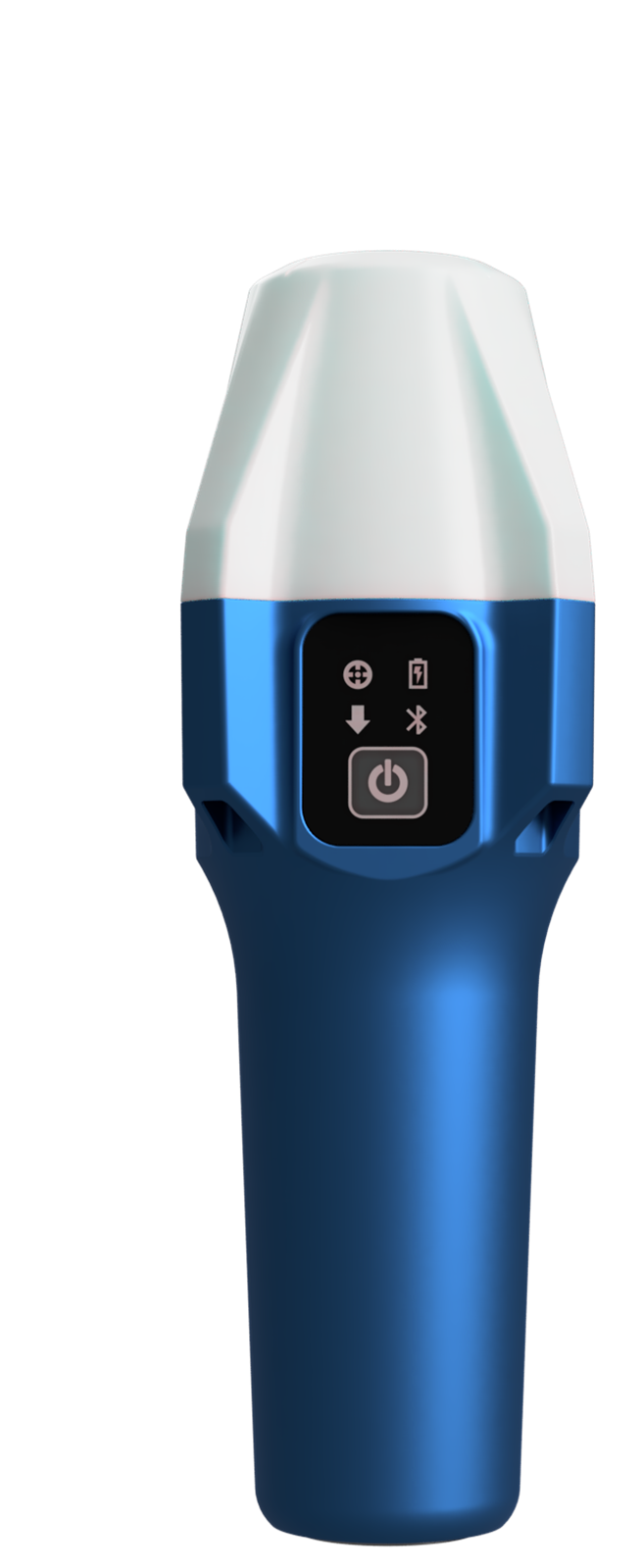
GND TOUGH
Available now. The same positioning technology as GND PRO in a reinforced metal-based housing, made for heavy-duty mounting in harsher site conditions.
See Fieldsight on your next project
Book a short walkthrough with our team and see how Fieldsight fits your workflow.